




Finarum — ERP and POS systems for dentistry
As a product designer, I was responsible for the mobile adaptation of the ERP: treatment and appointments module, finances, prescriptions and media, patient card. I worked alongside another designer.
- Role
- Product Designer
- Team
- 2 DesignersDevelopersManager
01 — Context
Dental clinics were using an outdated ERP and a separate POS system on Odoo — they were visually inconsistent and duplicated data. No mobile version existed.
The task was to redesign the system for mobile devices, unify the visual language, and simplify key workflows. Requirements were gathered through client interviews and analysis of the existing system.
The design system was developed by the team. The screens are the result of my work on designing the modules
02 — Key Decisions
Full-cycle UX/UI: information architecture, module structure, product decisions, interactive prototypes — in collaboration with the product manager, with whom key decision points were aligned
03 — Input Data

The market is fragmented by payment methods: cash, bank transfer, Click, Payme, Uzum — this is reflected in the Cashier module structure

Delivery in the region is mainly done through aggregators (Yandex, Uzum Tezkor), not proprietary courier services — this changes the logic of Table Reservation and QR Menu

The product had already passed MVP: multi-branch support and basic modules were ready — new solutions had to be integrated into the existing system, not designed in a vacuum
04 — Process and Decisions
Patient Card
All patient information — treatment, finances, prescriptions, media — is gathered in one place and accessible from the phone. Previously, the doctor had to switch between different sections of the desktop system
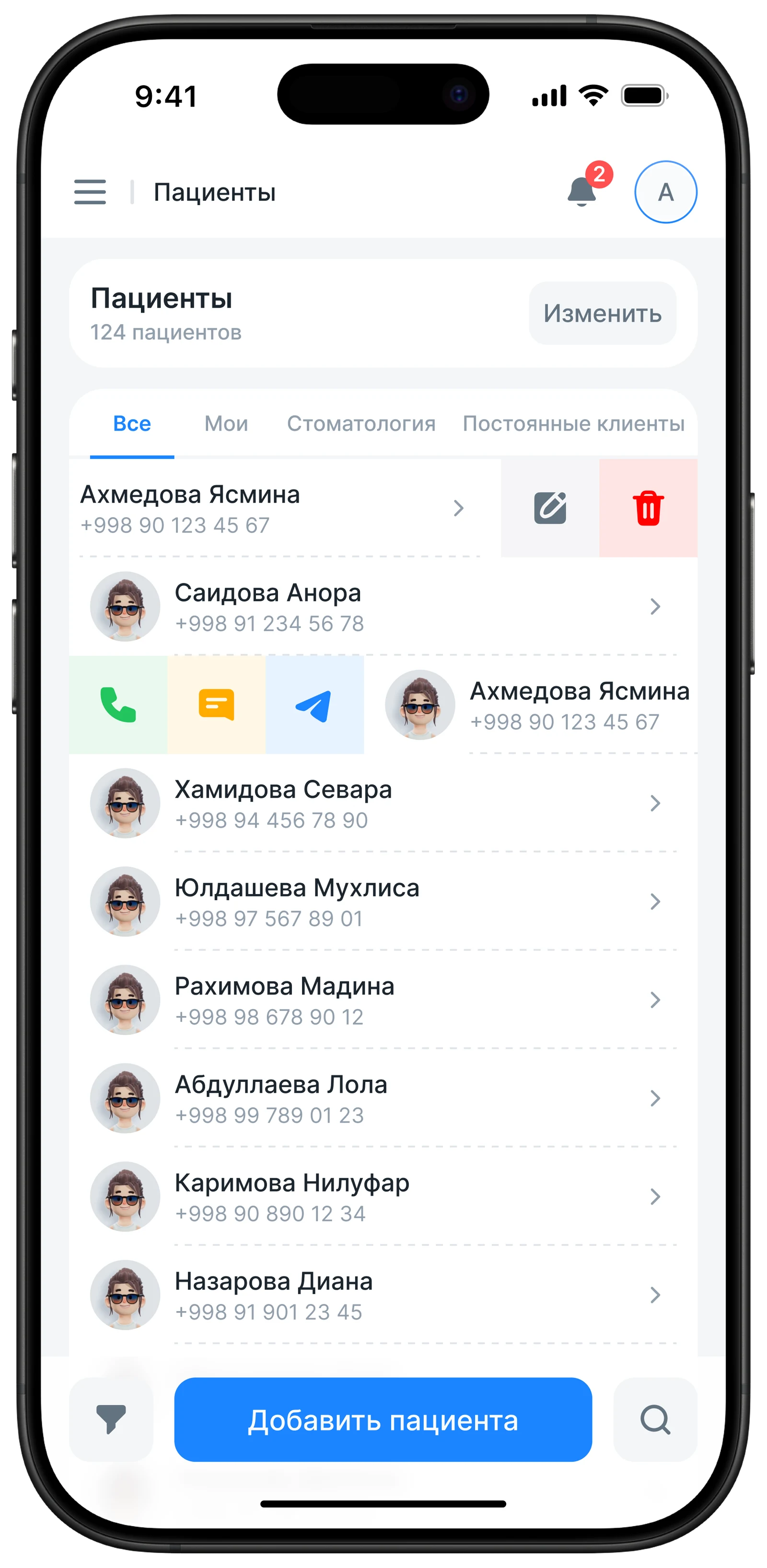
Patient Section
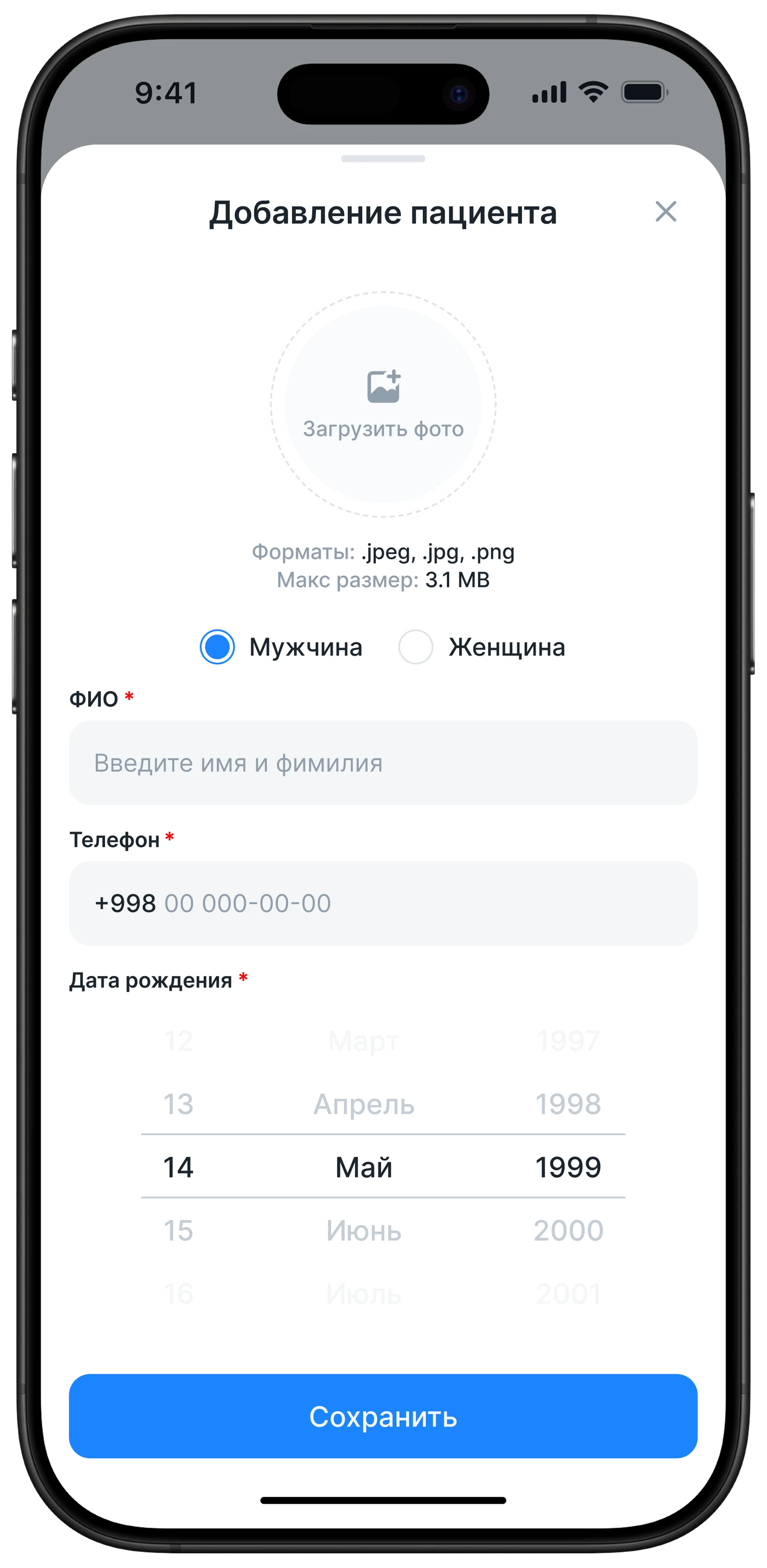
Adding a Patient
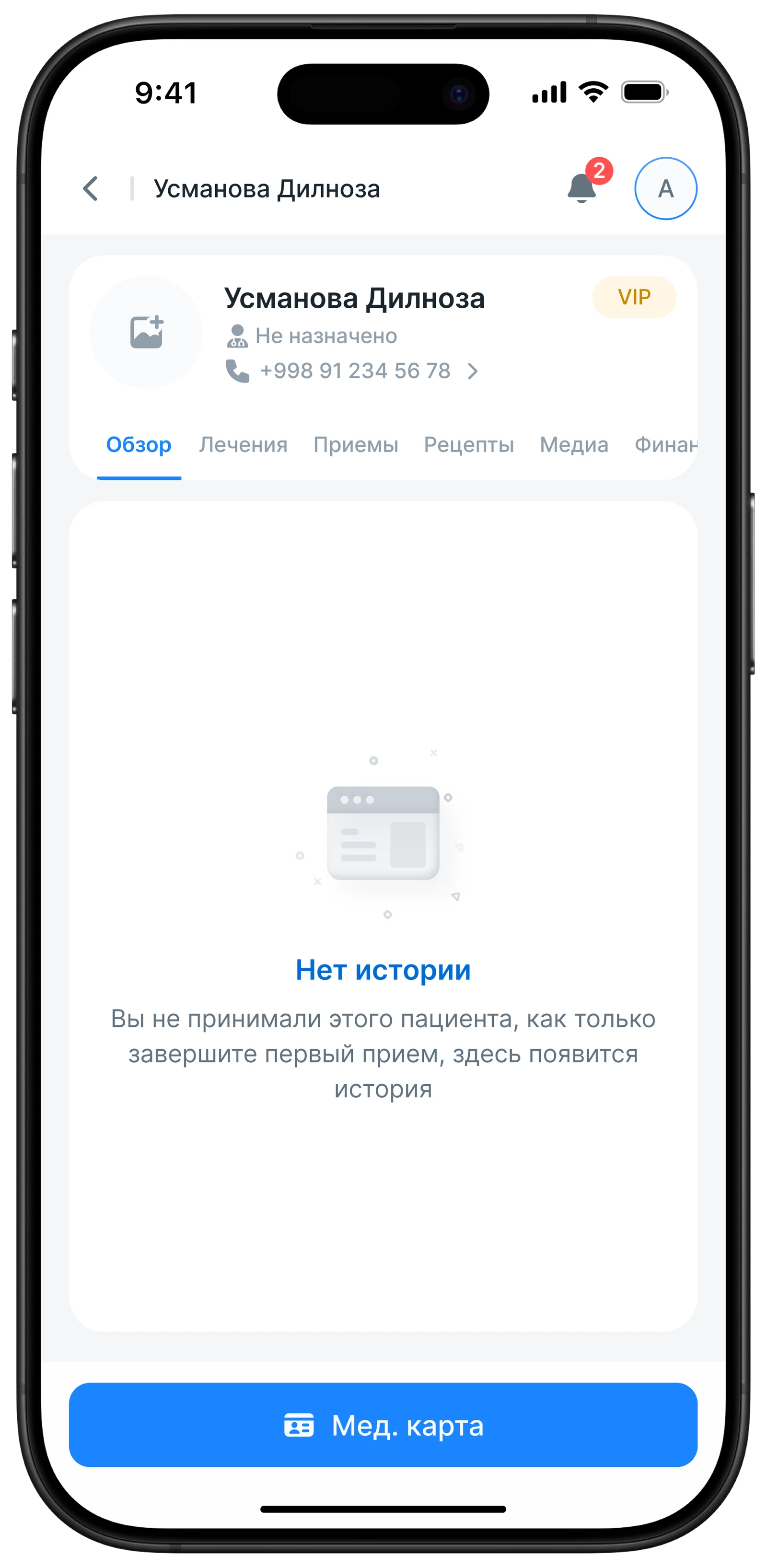
Overview / Empty State
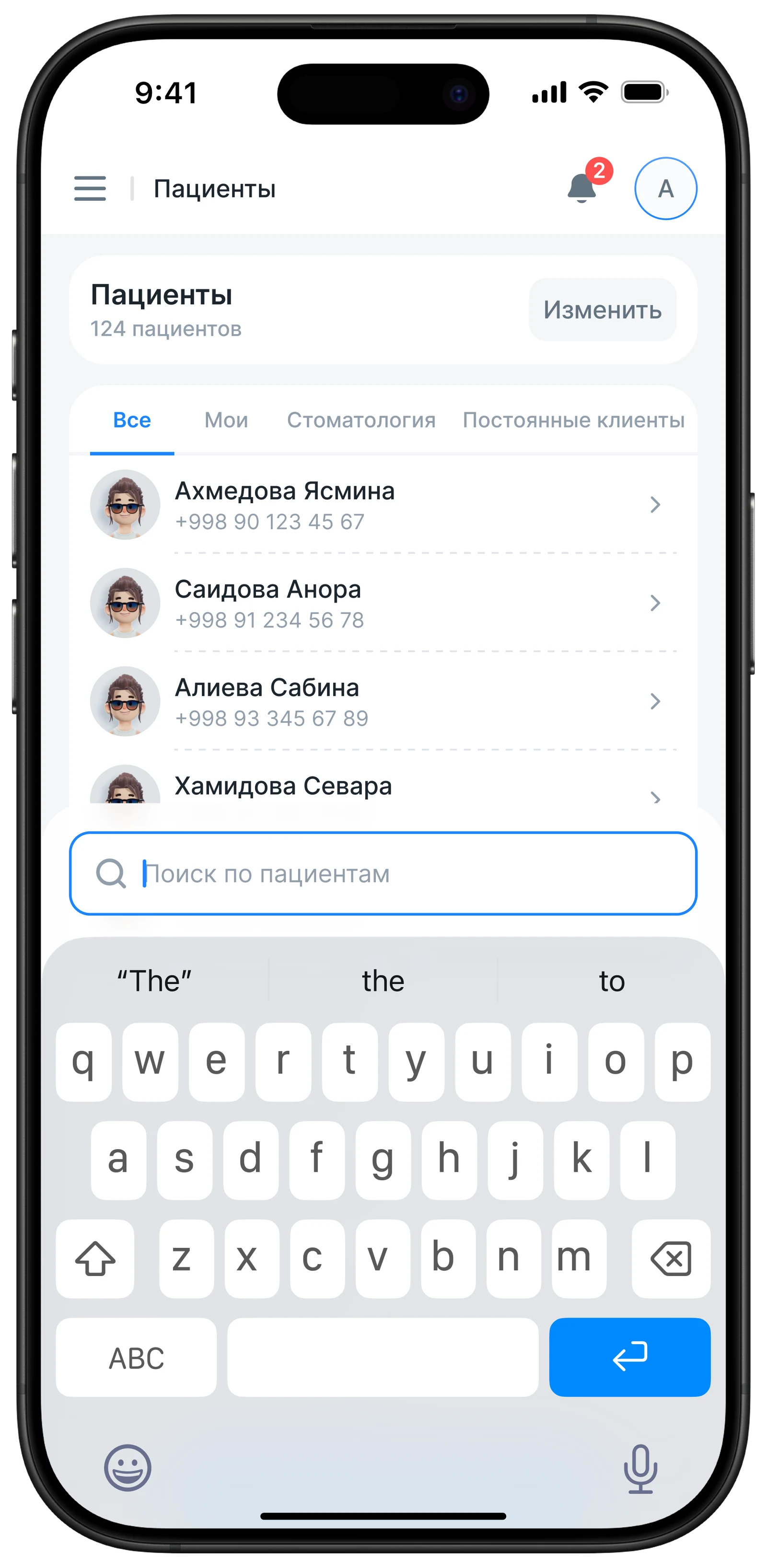
Patient Search
Treatment and Appointments Module
Designed the mobile workflow for doctors with appointments: viewing the schedule, visit cards, and treatment history without needing to open the desktop
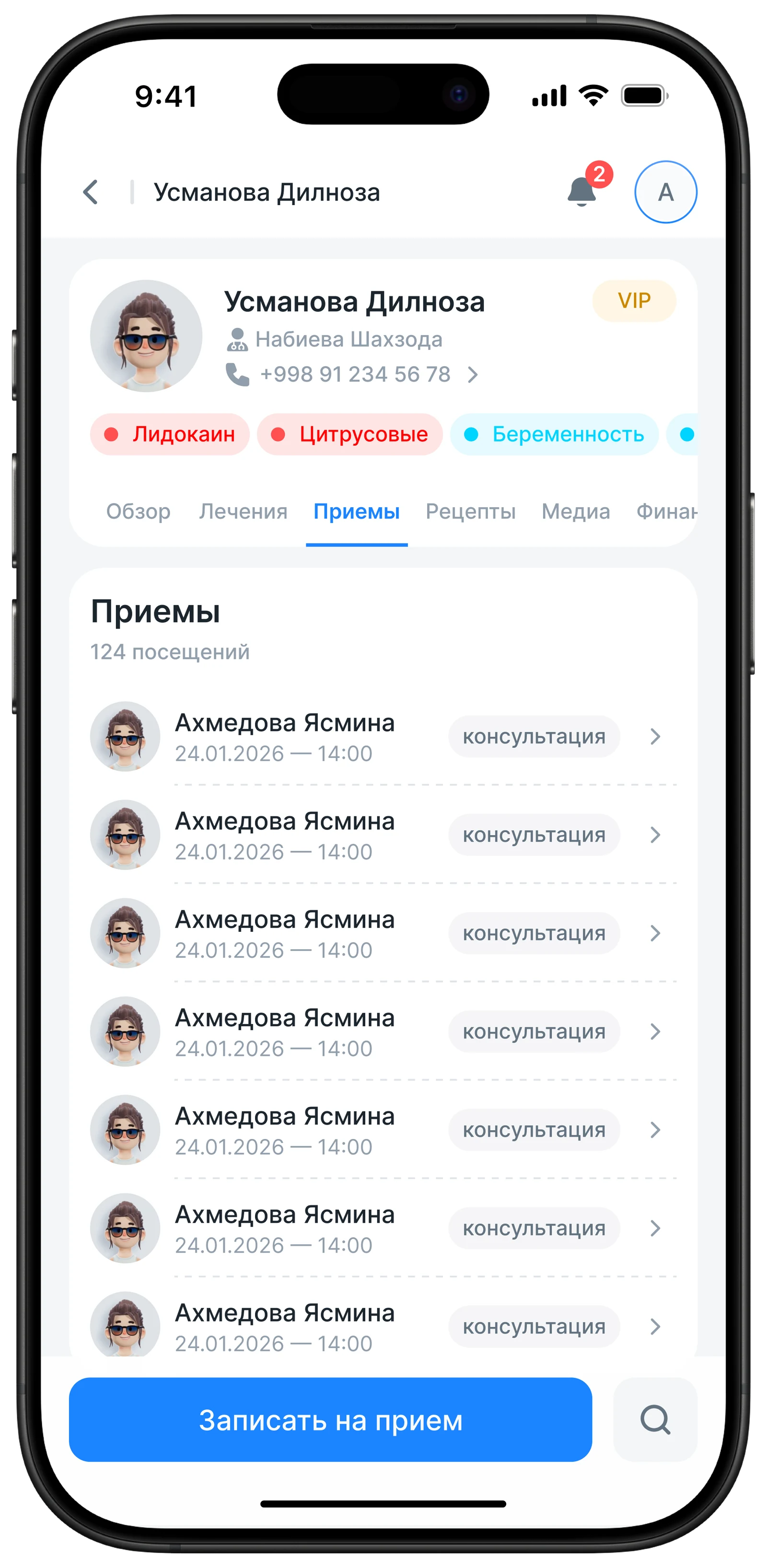
Appointments Section
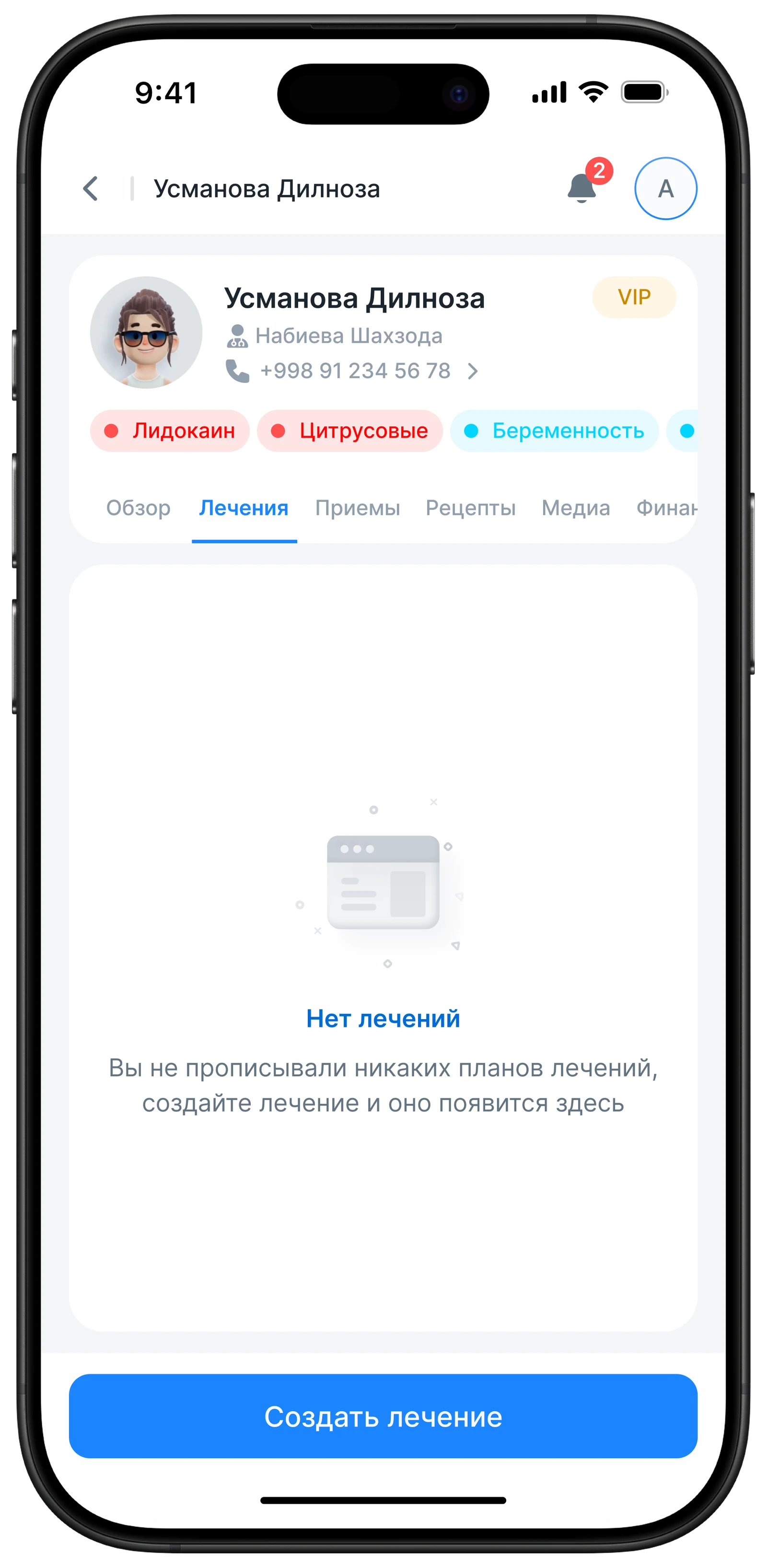
Treatment Section
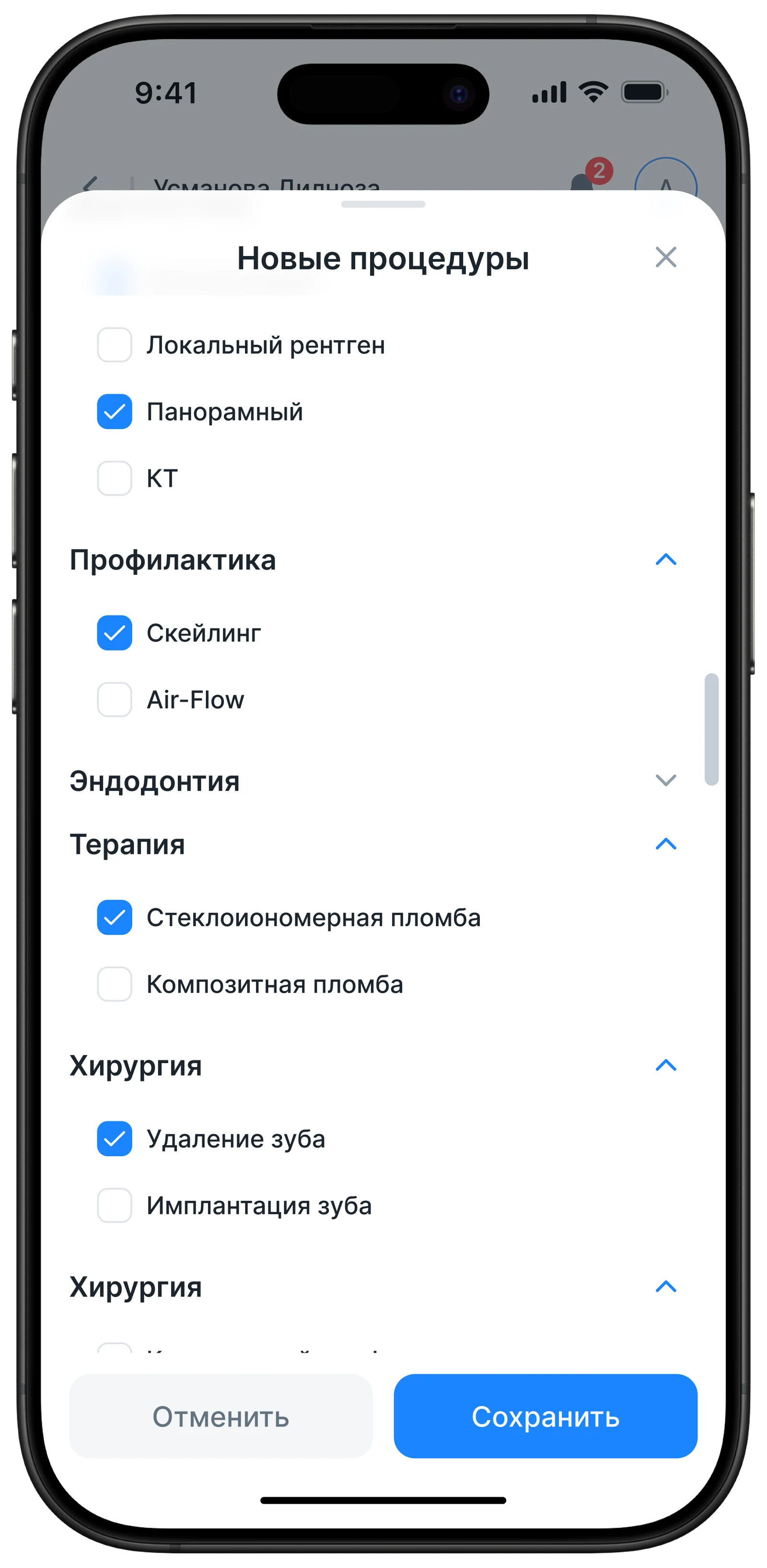
Treatment Section / Procedures
Prescriptions and Media
A section for storing and issuing prescriptions, as well as patient media files — X-rays, photos, accessible within the patient card
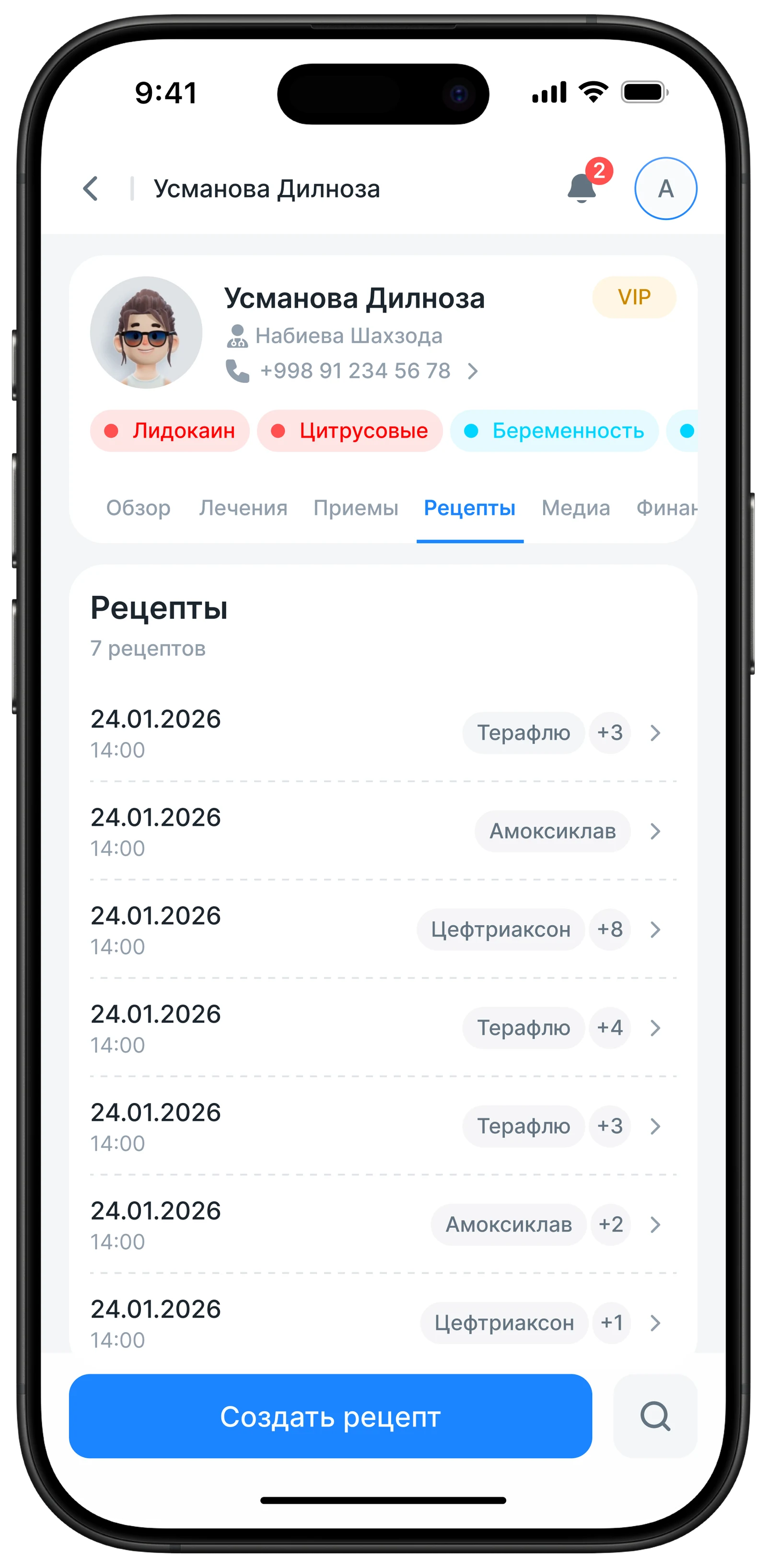
Prescriptions
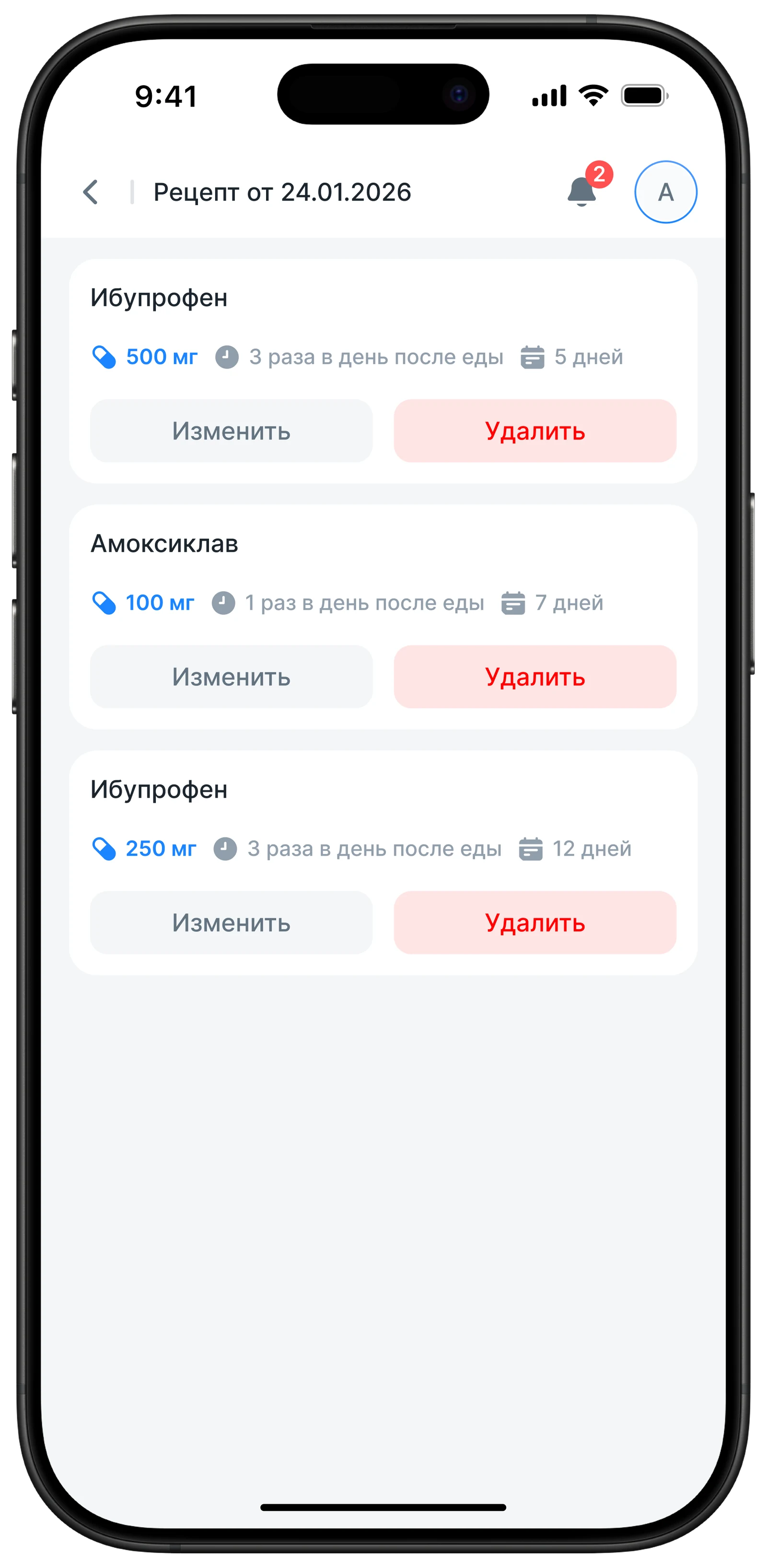
Prescriptions
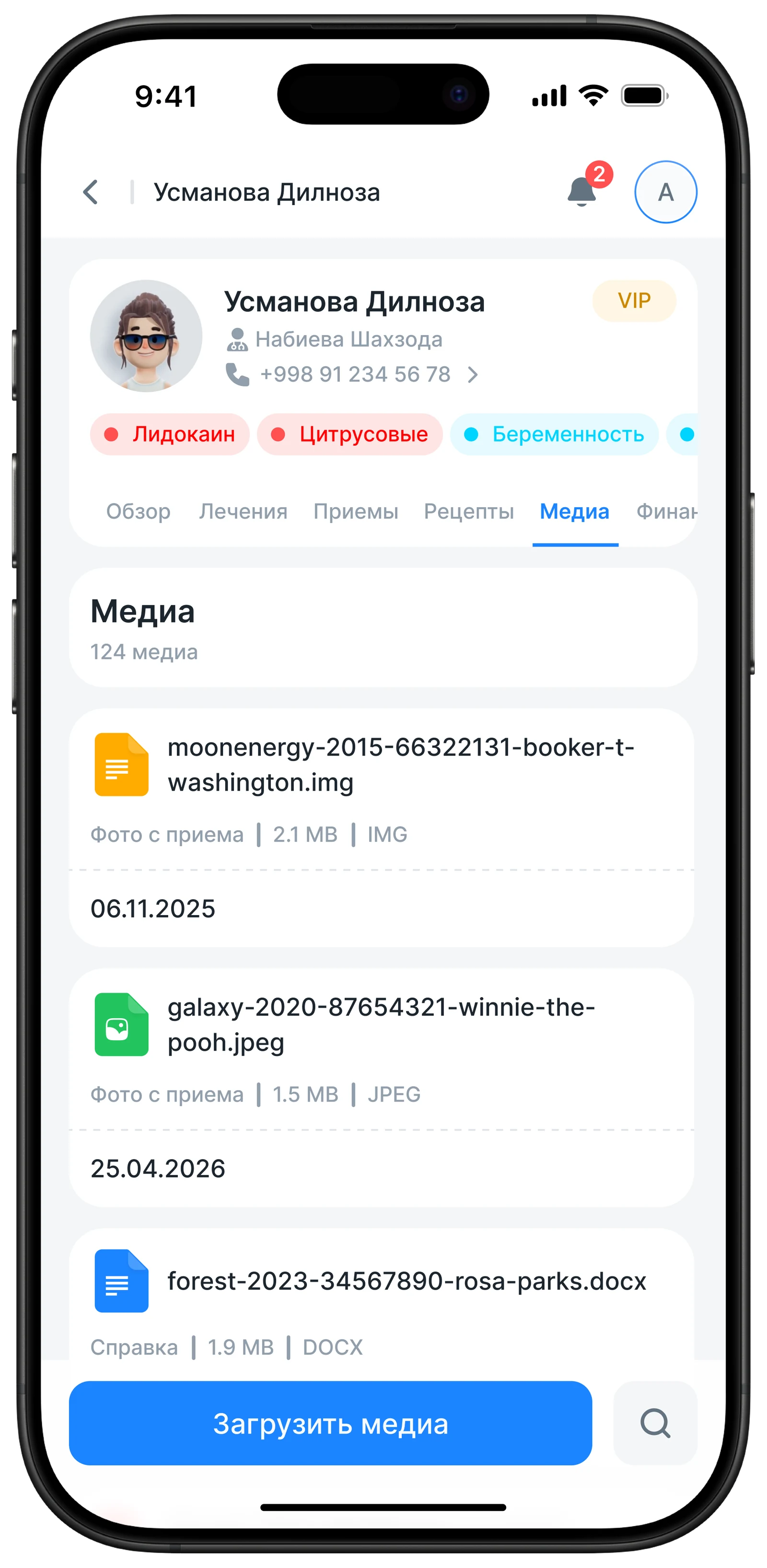
Media
Finances and Cashier
Adapted the financial module for mobile — doctors and administrators can view account balances and payments directly from the phone
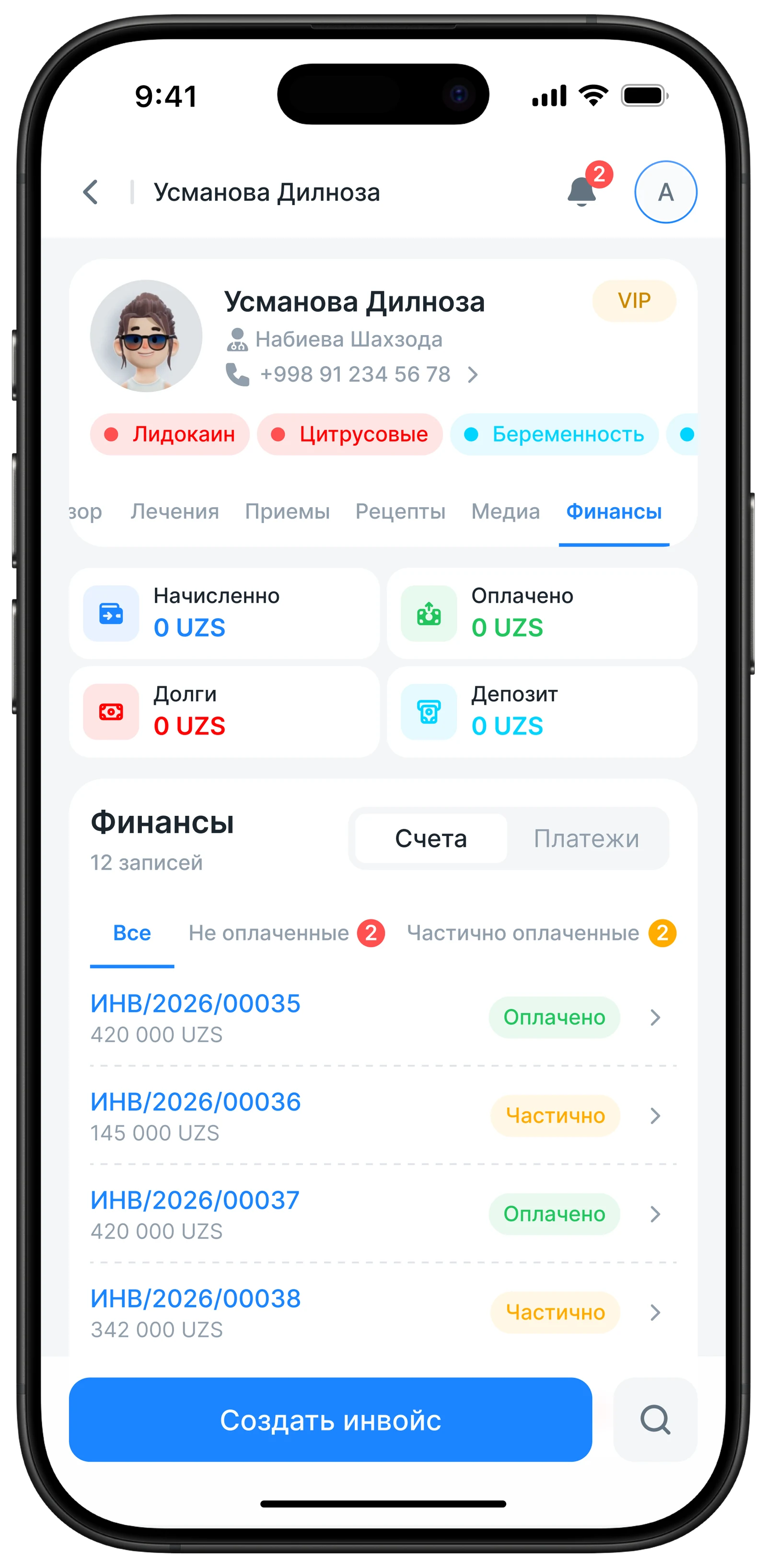
Finances
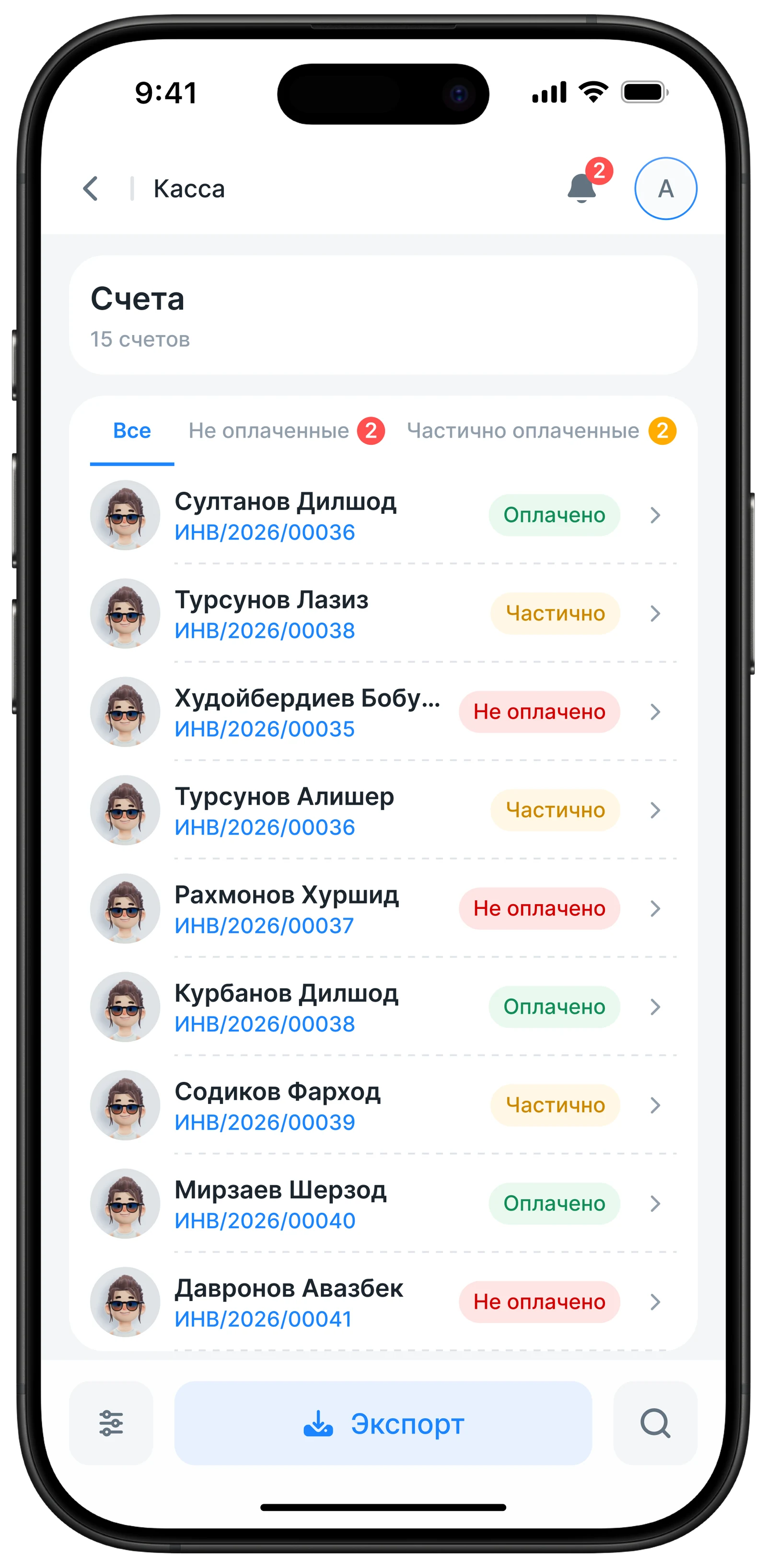
Cashier
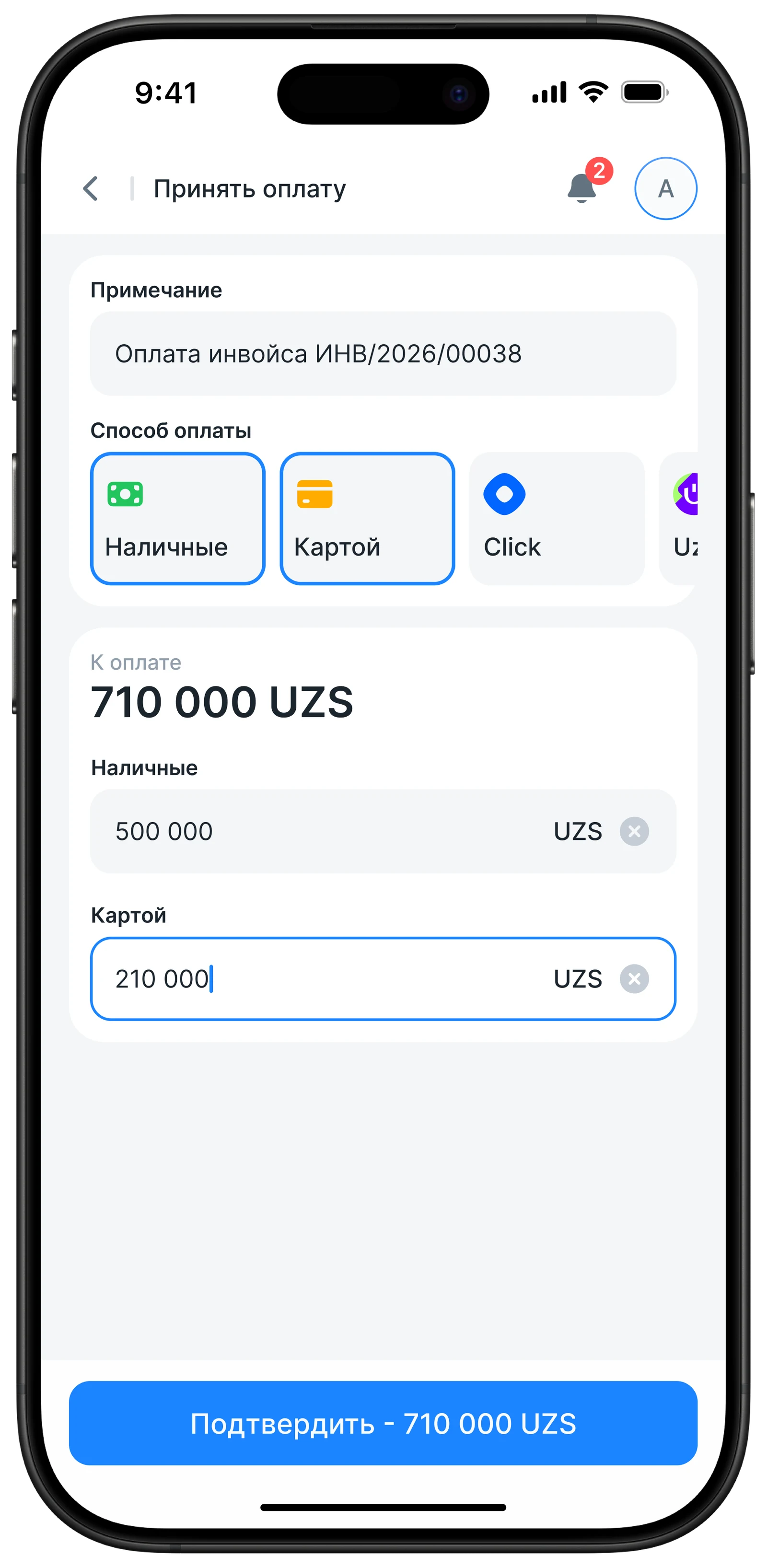
Payment
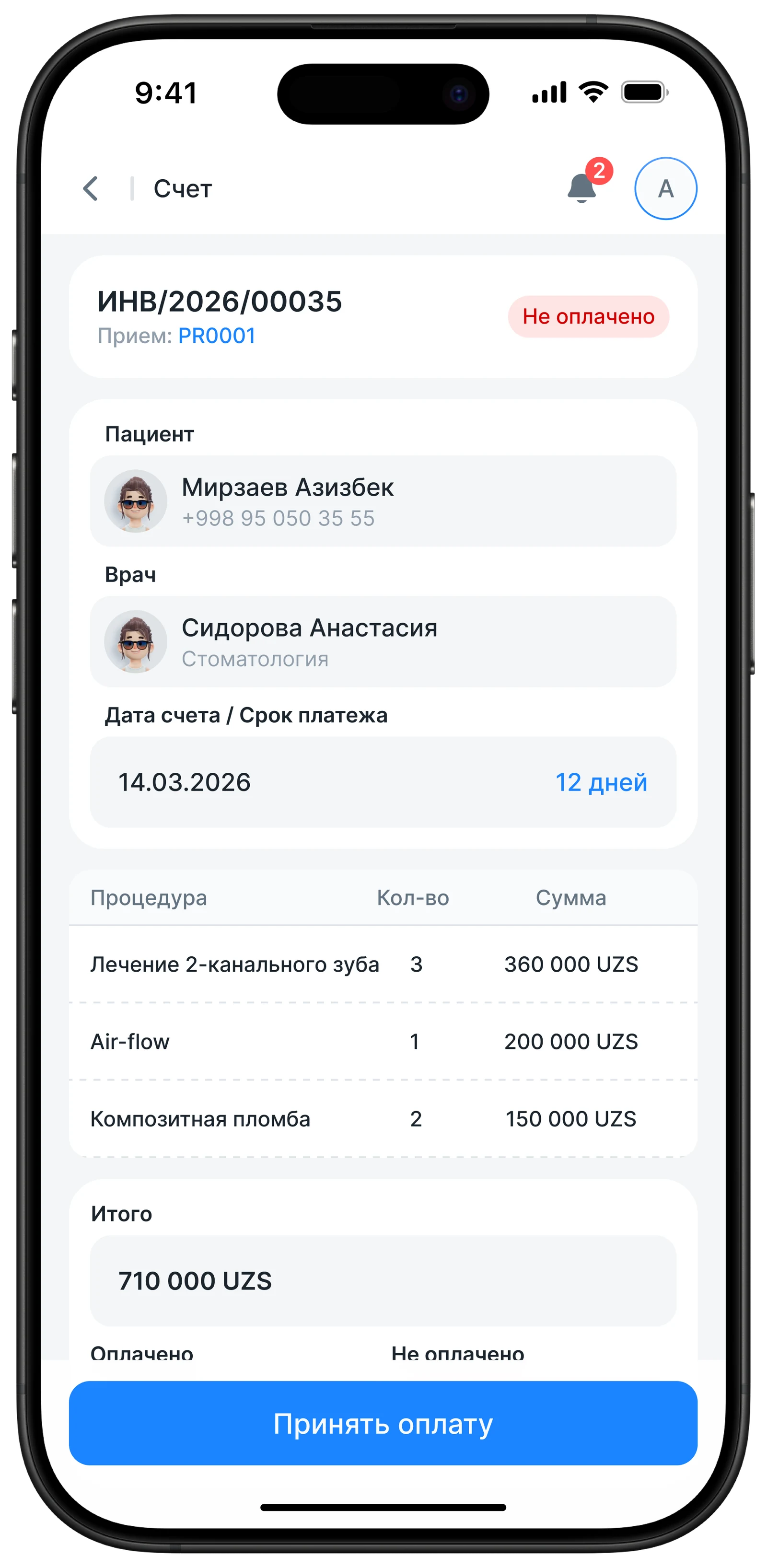
Invoices
05 — POS System for Cashiers
The POS module was designed from scratch — a separate workflow for the cashier. The main focus was on UX: removing everything unnecessary, making checkout fast and intuitive from the phone. Previously, the system was built on Odoo
Removed the on-screen keyboard
In the original version, the on-screen keyboard took up a quarter of the screen, leaving almost no space for products. We removed it — now the cashier sees the list of items right away, adding items is faster.
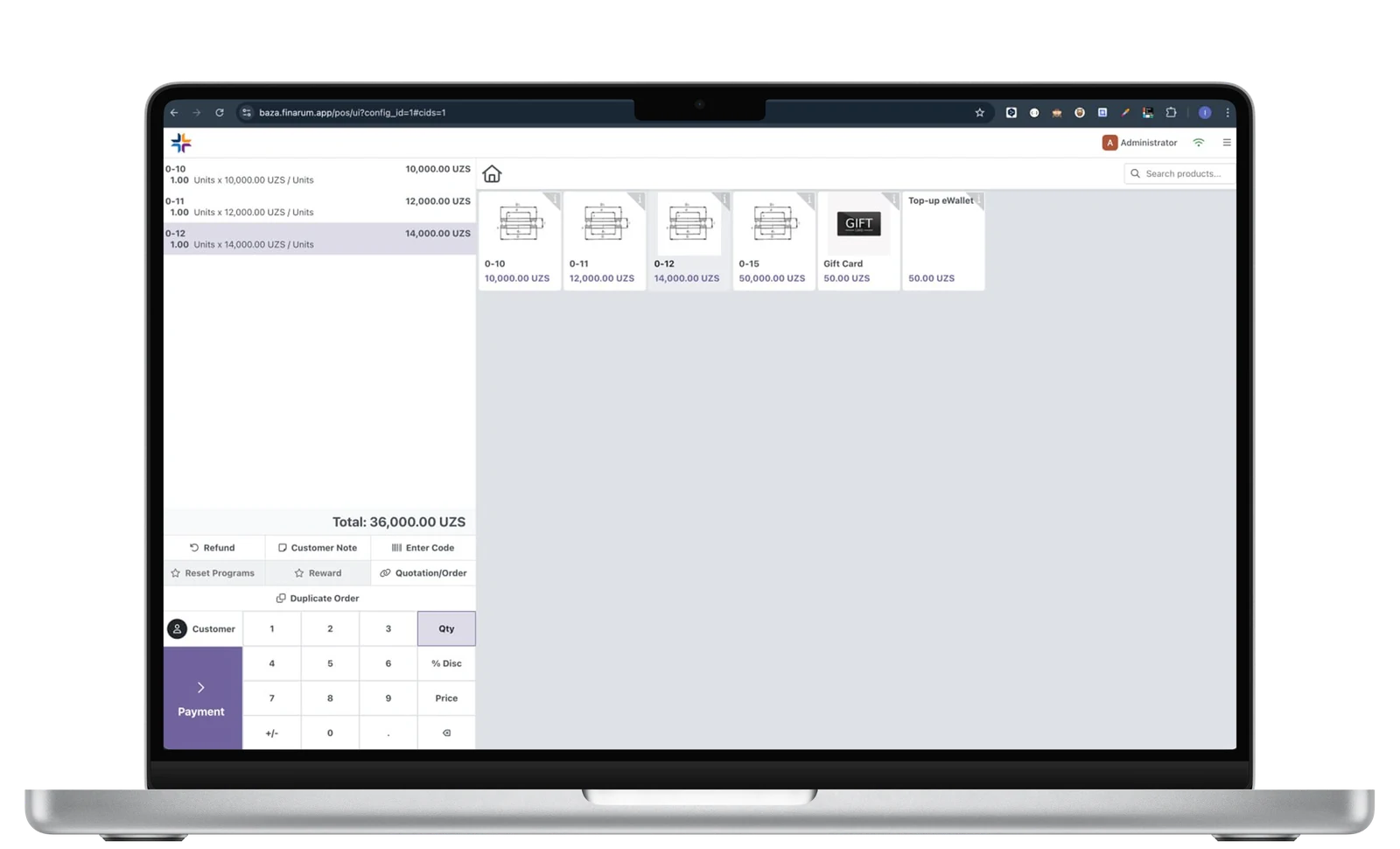
Main Screen BEFORE
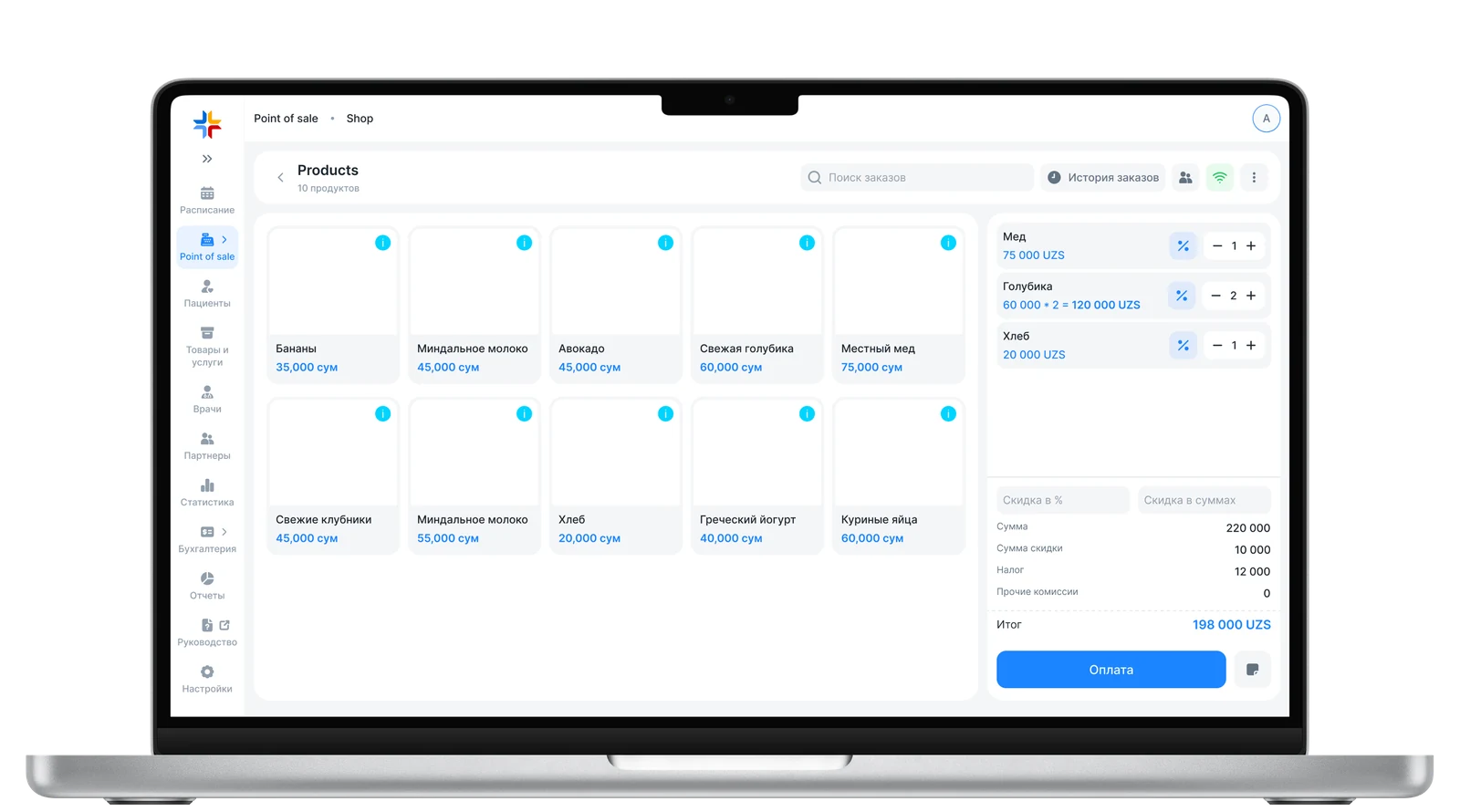
Main Screen AFTER
Unified all clients in one screen and updated payment. A single order history — previously history was split into two sections — the cashier didn't always know where to look. We merged it into one workflow: any order is always in one place.
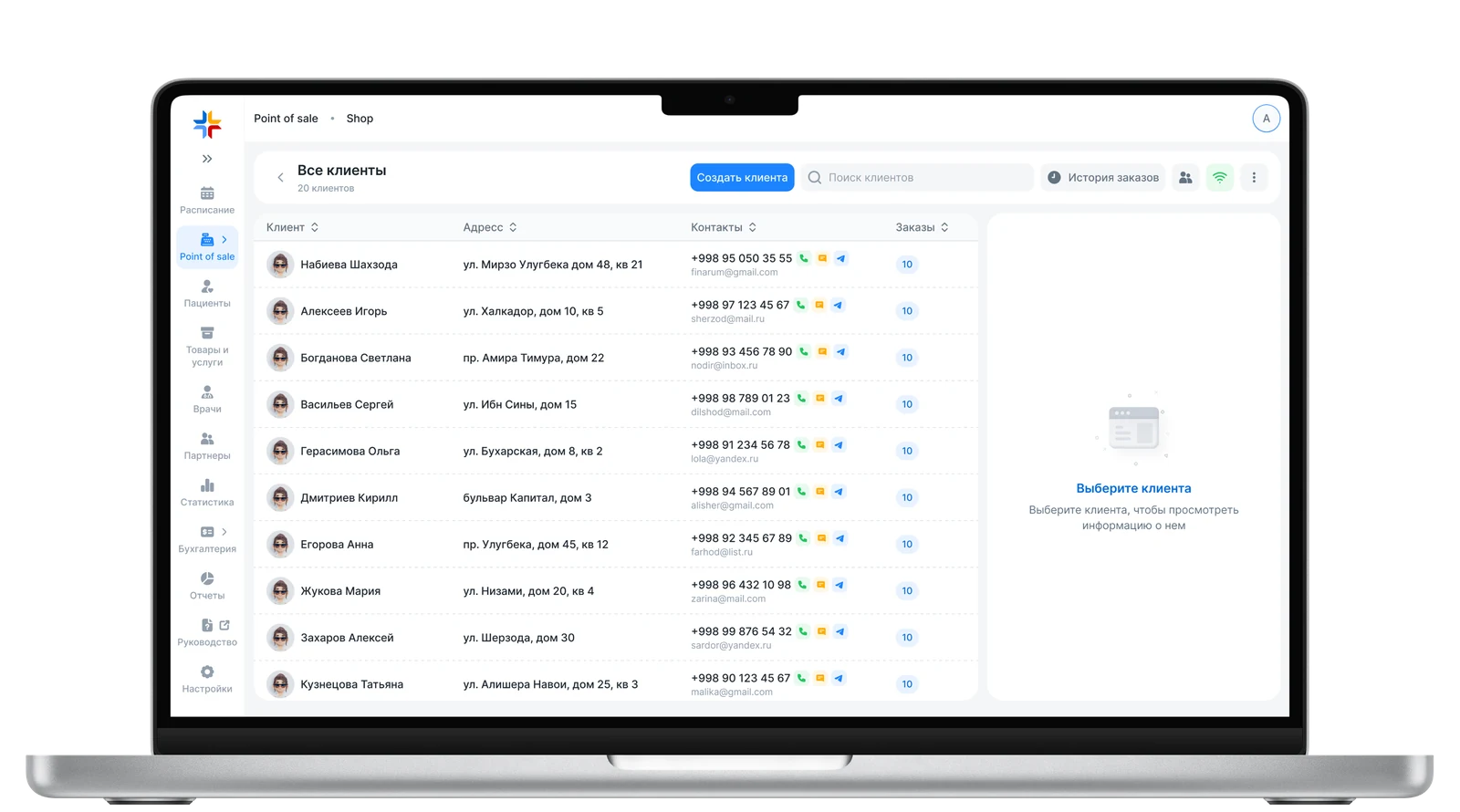
All Clients
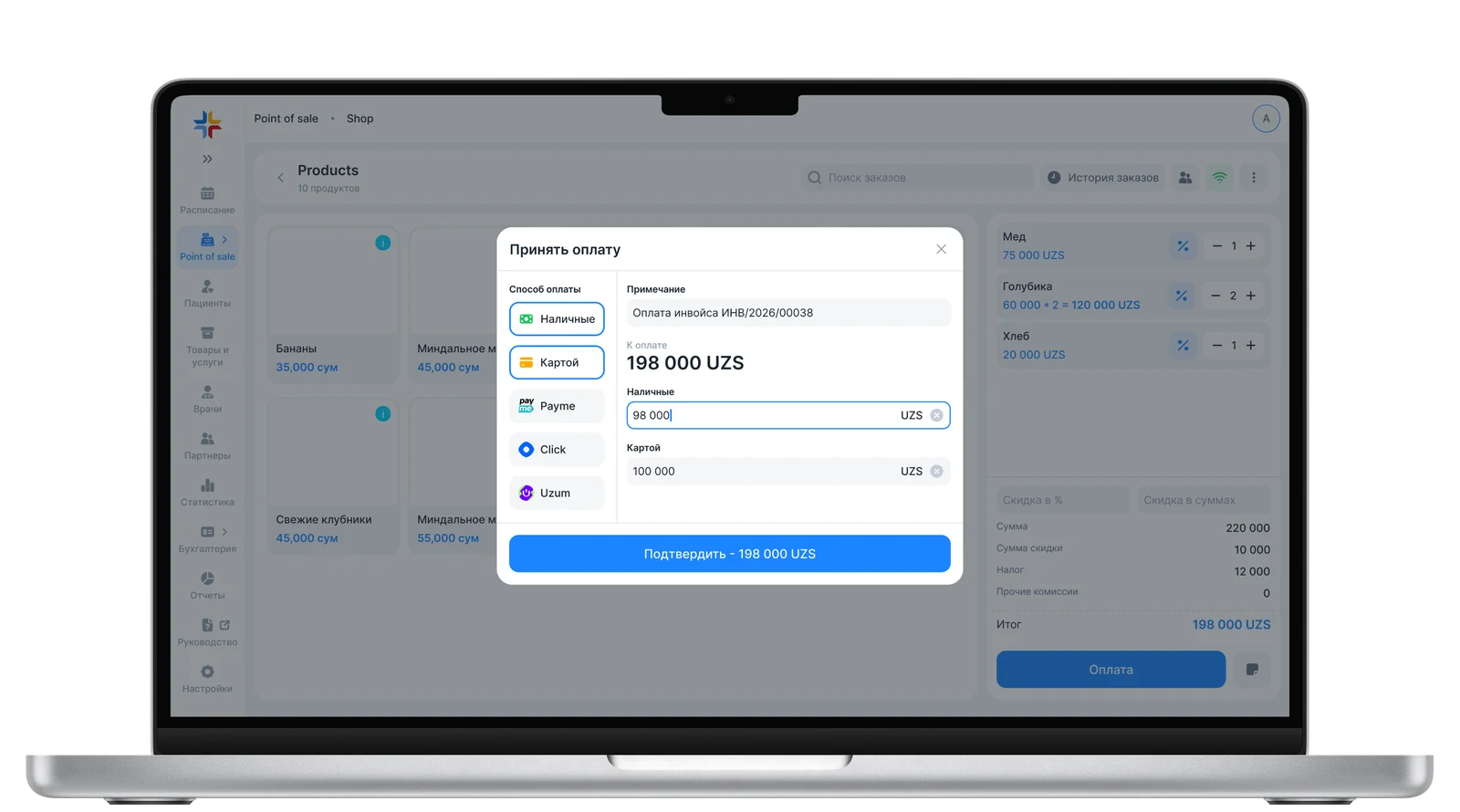
Payment
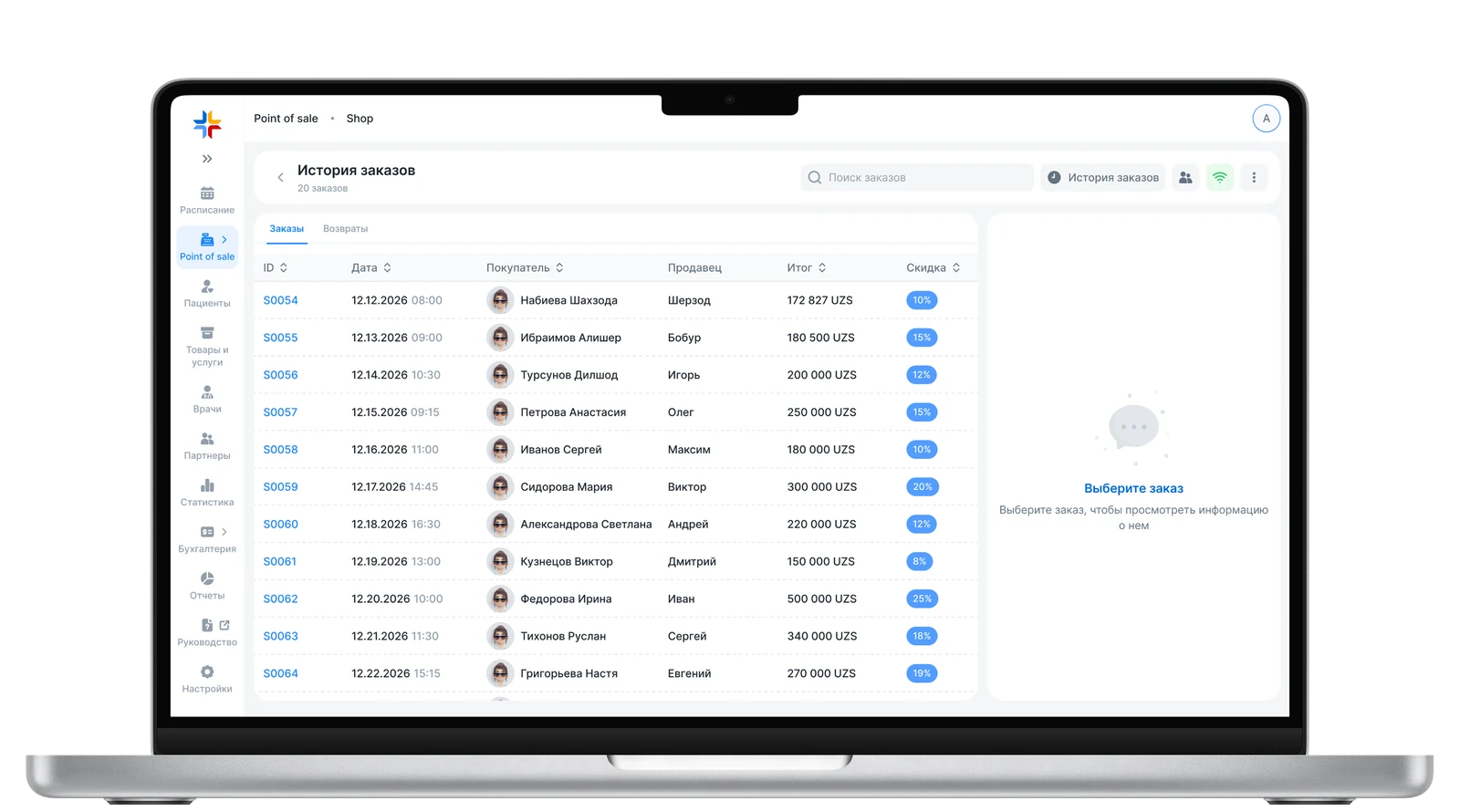
History